Your loyalty cards.
No ads, ever.
Scan the barcode once. Punchpons keeps it on your phone, opens it in one tap at checkout, and never asks you to sign in.
Coming soon to the App Store and Google Play.
Free · iPhone and Android · No account required
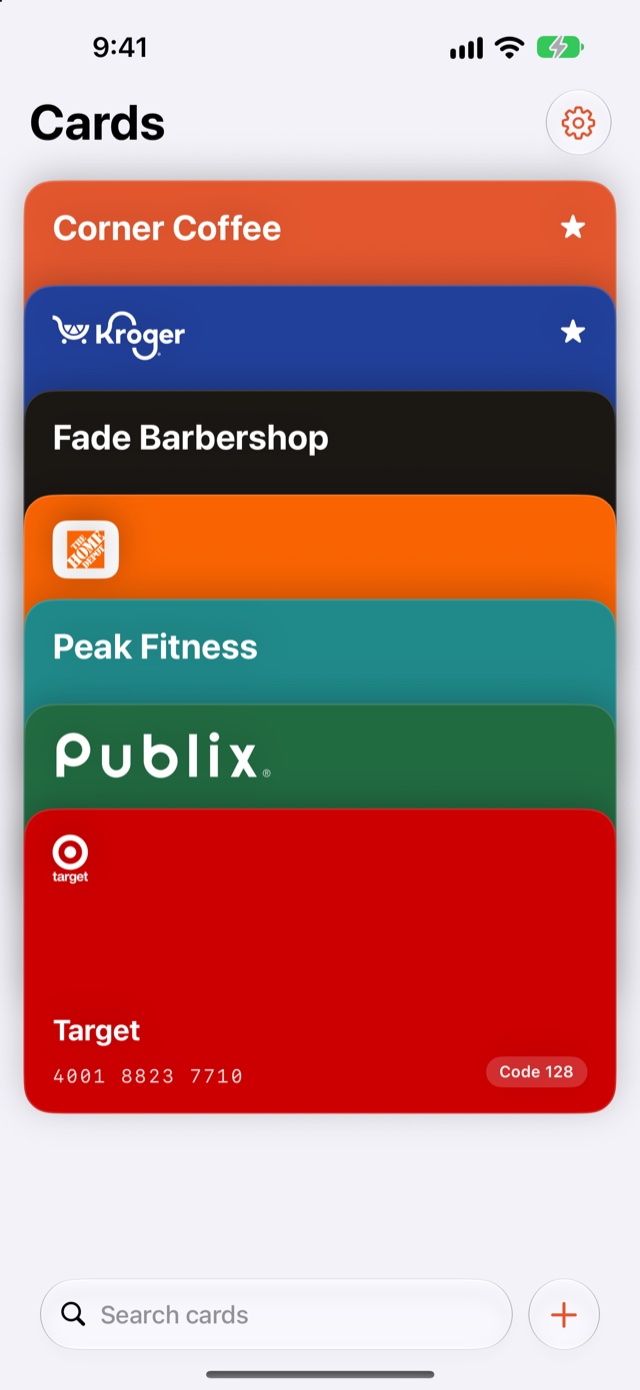
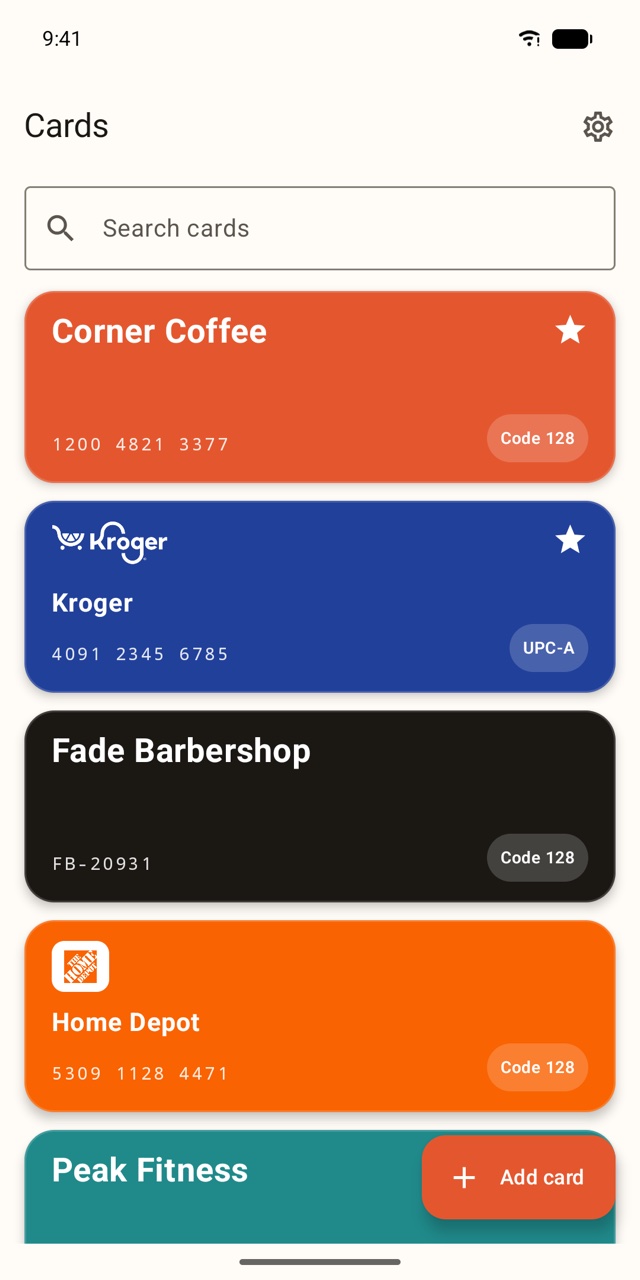
A card wallet that gets out of the way.
Every grocery card, pharmacy card, gym card and gas card, in one place that opens fast.
Scan it once
Point the camera at any loyalty card. Barcode or QR, it is saved in a second. No camera? Type the number in.
One tap at checkout
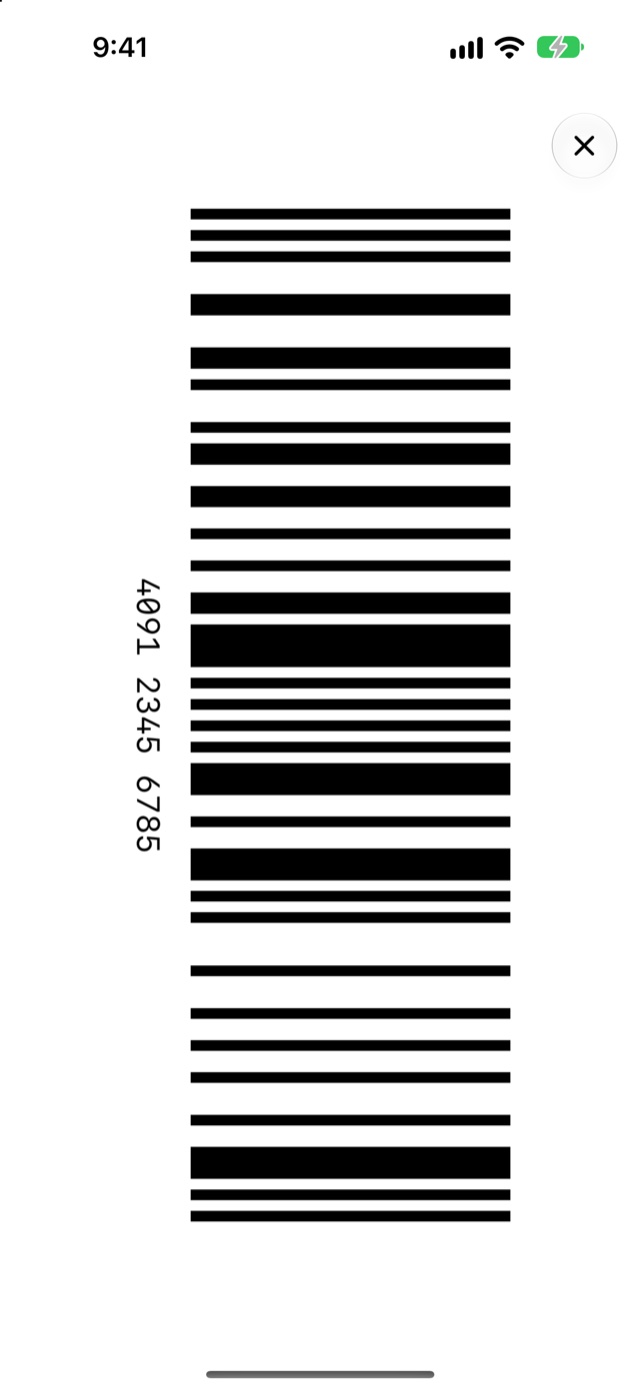
Tap a card and the barcode fills the screen at full brightness, so the scanner reads it the first time.
Works offline
Your cards live on your phone, not on a server. No signal in the store? Nothing changes.
Favorites and search
Pin the cards you use every week. Find the rest by name as soon as you start typing.
Home-screen widget
Put a card on your home screen and skip the app entirely. One tap, barcode up.
Backup your way
Export all your cards to a file you keep, and import it on a new phone. Optional iCloud and Google backup are next.
Logos for 130+ stores are built in, and every card with a barcode works, logo or not. Missing your store? Tell us
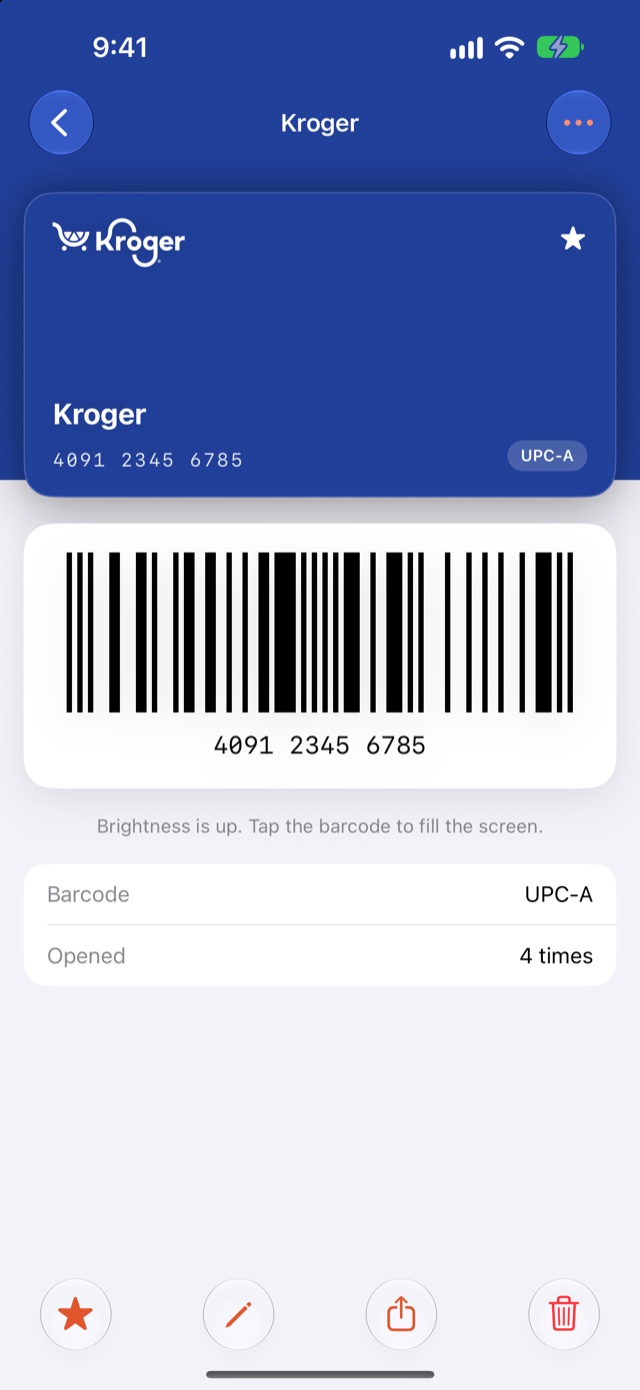
One tap, and the barcode is up.
Your store’s own logo and colour, so you find the right card at a glance. Tap the barcode and it fills the screen at full brightness.
Nothing between you and your barcode.
Most card wallets are free because they sell your shopping habits. Punchpons shows your barcode and stops there.
- ✕Ads and coupons between you and the barcode
- ✕An account before you can add a single card
- ✕Analytics that follow what you scan and where
- ✕A server that has to be up for your card to open
- ✓No ads, no coupons, no upsells
- ✓No account. Open the app, scan, done.
- ✓No analytics SDK. Nothing is sent anywhere.
- ✓Cards stay on your phone and open offline
Punch cards, without the paper.
Buy nine coffees, the tenth is free. Soon a shop can print one QR code, and your punch card lives in Punchpons next to everything else.
Run a shop? Get on the listThe short answers.
Is it really free, with no ads?
Yes. The card wallet is free and has no ads, now or later. Shops that run punch-card programs through Punchpons pay a small monthly fee, and that is what funds the app.
Where are my cards stored?
On your phone. Punchpons has no account and no server that holds your cards. If you want a copy, export a backup file from Settings.
Which barcode types work?
The ones on real loyalty cards: EAN-13, EAN-8, UPC-A, UPC-E, Code 128, Code 39, ITF, Codabar, plus QR, PDF417 and Aztec. If a store uses something unusual, the number is still shown so the cashier can key it in.
Does the store scanner actually read a phone screen?
Almost always. Punchpons turns the brightness all the way up and draws the barcode large and sharp. For the rare scanner that cannot read screens, the number is printed right under the barcode.
What about my punch cards from the coffee shop?
That is phase two. Shops will be able to set up a digital punch card you add by scanning a QR code at the counter, and it sits in Punchpons next to your other cards.
Scan your first card
in under a minute.
Coming soon to the App Store and Google Play.